Version 1.9.3 🎄
- Leslie Leahy
- Dec 20, 2025
- 2 min read

Our last update for the year includes a number of great client requests. 😃
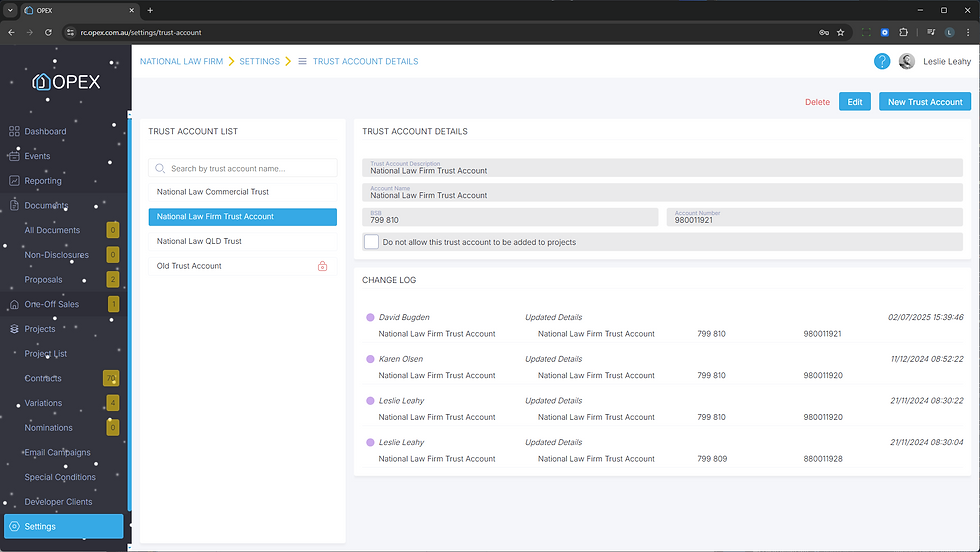
Support for multiple trust accounts at the firm level
You can now decide how you want the "Contract Date" to be calculated (when all parties have signed, or when it's approved for exchange)
All dates that are calculated from the contract date will calculate based on the specified "Contract Date" calculation method
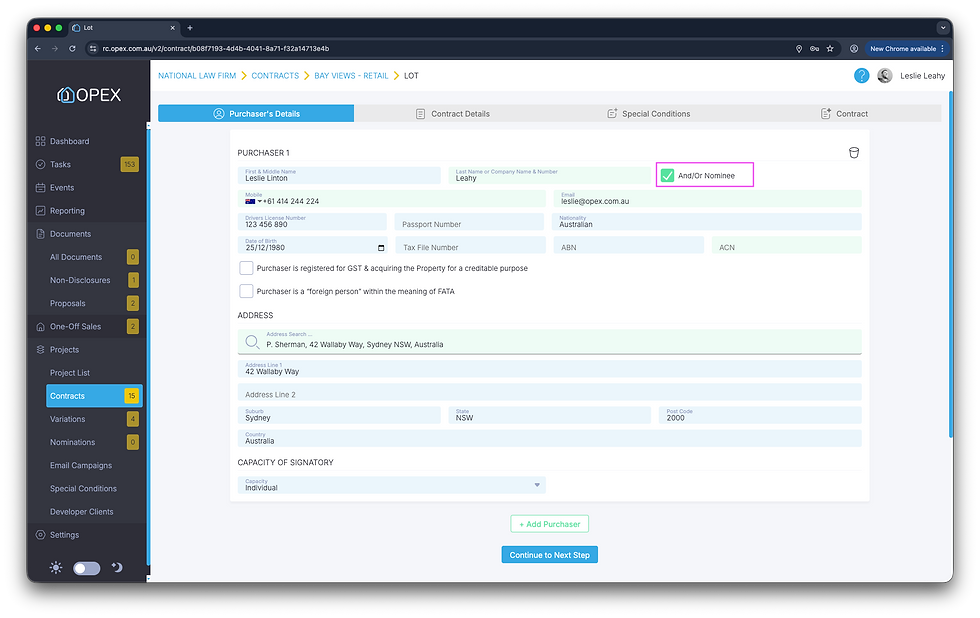
The "Purchasers Name" merge field now formats better for Email Campaigns and Special Conditions where there are multiple purchasers
A new "Contract Merge Fields" report has been added to the reporting module
The Settlement Calculator has been updated so the calculation methodology matches the PEXA calculator
The "MCP Dealing Expiry Date" is no longer mandatory when creating a project in PEXA Projects in Victoria
The project map now shows where each purchaser signed their contract
You can now "indent" content in Email Campaigns and Special Conditions
🏦 MULTIPLE TRUST ACCOUNTS
Add multiple trust accounts to "Settings > Trust Account Details"
Give each trust account a logical name
When creating a project you can select a trust account to add to the project
Tag a trust account to not be allowed to be added to a project for old or defunct accounts
Audit logging on all trust account changes
📅 CONTRACT DATE SETTING
There's a new section in "Project Settings > Options" to allow you to specify how you want the "Contract Date" to be calculated for the project
Options include
The date that all parties have signed the contract
The date the contract is approved for exchange

👨👩👧👦 PURCHASER NAME MERGE FIELD
Where there are multiple purchasers the "Purchaser Name" merge field formats more cleanly
For two purchasers it will format as "Leslie Leahy & Karen Olsen"
For three purchasers it will format as "Leslie Leahy, Karen Olsen & Jennifer Ivosevic"
And so on for more than three purchasers
This works in Email Campaigns and Special Conditions

📄 CONTRACT MERGE FIELDS REPORT
Exports a list of all merge fields that can be inserted in a project contract
Shows the merge field category and name
Can only be accessed by Administrator and Legal users

📍 PROJECT MAP
The "Map" project dashboard shows a green pin where each purchaser signed their contract
Hover to see the lot number, and name of the purchaser

📍 INDENT PARAGRAPHS
Indent individual lines, paragraphs and numbered/bulleted points
Works in Email Campaigns and Special Conditions