







Integrations & API

Connect OPEX to the systems you already use.

OPEX works with the technology behind property sales, contracts and settlements. Use built-in integrations with PEXA and Insite Logic, connect your practice, document and payment systems through tailored integration work, or build directly on the OPEX API.

Available today

  • PEXA Projects create workspaces and carry contract information into settlement
  • Insite Logic two-way sync for projects, sales and contract status
  • OPEX API connect your own systems and workflows

Built-in integrations

Keep your core systems in sync.

Move information between OPEX and the platforms used across project sales, contracting and settlement, without repeatedly entering the same data.

Integrated with PEXA Projects

Create PEXA Projects workspaces directly from OPEX, match the relevant subscribers and carry contract and settlement information through to completion.

  • Create workspaces from OPEX
  • Match subscribers and transaction parties
  • Keep settlement dates and status information aligned
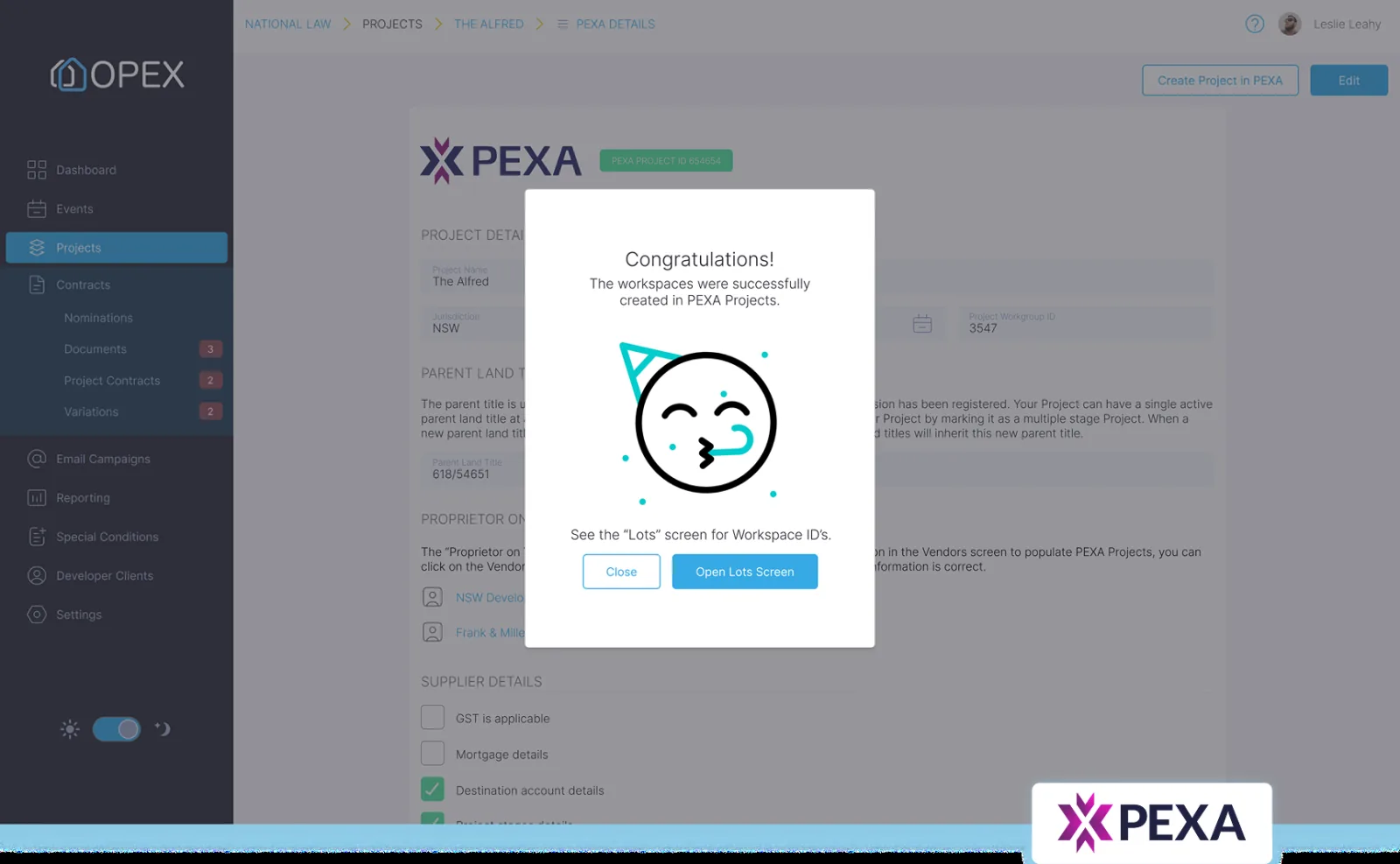
Creating a PEXA Projects workspace from inside OPEX
Two-way CRM integration

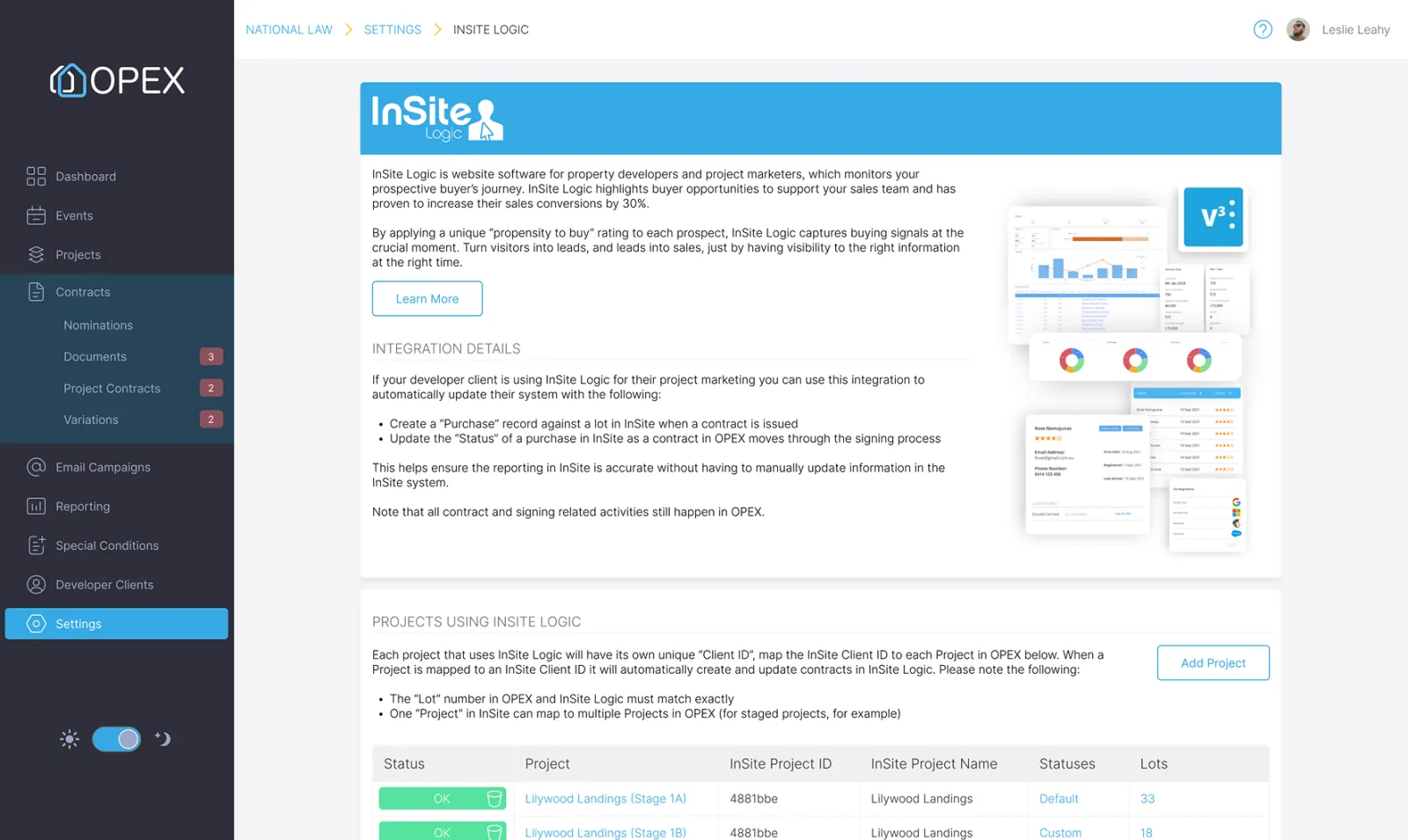
Sync projects, lots, purchasers, sales records, contract conditions and status information between Insite Logic and OPEX. Contract updates flow back to the project sales team as each transaction progresses.

  • Keep projects, lots and purchaser information aligned
  • Transfer sales records and contract conditions
  • Return live contract status to Insite Logic
The Insite Logic integration settings screen in OPEX

Tailored integrations

Connect the rest of your systems.

OPEX can be connected to practice management, document management, payment and other business systems through tailored API work. Each integration is scoped around your organisation’s data, workflows and security requirements.

Practice management

Create matters and keep contacts, contracts and transaction status information aligned.

  • Actionstep
  • Smokeball
  • Clio
  • Unity

Document management

Automatically file contracts and transaction documents in the correct matter or workspace.

  • iManage
  • NetDocuments

Payments

Connect deposit and payment information to the relevant project, lot and contract.

  • SEND Payments

These systems are examples of tailored integration possibilities. Scope, technical feasibility and availability are confirmed for each engagement.

OPEX API

Build OPEX into your own workflows.

Use the versioned OPEX REST API to create and manage projects, contracts and signing workflows, retrieve settlement information and keep external systems current.

POST/v1/projects/P-00001/contracts
# create a contract against a project
{
  "lot": "7·03",
  "buyer": "Ava & Liam Nguyen",
  "price": 780000
}
201 Createdreference C-04821 · status draft

Projects & lots

Create and update projects, stages, lots, stock information and participating organisations.

Contracts

Create contracts, add parties and documents, update contract information and initiate signing.

E-signing

Prepare and send documents, manage signers and signing fields, and retrieve completed files and evidence.

Trust accounting

Work with project and law-firm trust accounts, deposits, receipts and transaction records.

Settlement

Retrieve settlement dates, adjustments and completion information to keep downstream systems aligned.

Webhooks & sync

Receive contract and transaction events as they occur and keep external systems up to date.

Built for integrators

A stable, well-documented API.

Clear references, predictable versioning and consistent responses make the OPEX API easier to implement and maintain.

  • External reference IDs designed for connected systems
  • Versioned endpoints
  • Interactive OpenAPI documentation
  • Pagination across collection endpoints
  • Consistent validation and error responses

Read the OPEX API docs.

Explore authentication, endpoint references and implementation guides for projects, contracts, e-signing, trust accounting and settlement.

Open the developer portal

Get started

Let’s map OPEX to your systems.

Tell us what you use today and what you want to automate. We’ll explain what is already available, what can be configured and what may require a tailored integration.