
Submit sales advice once
Enter purchaser, lot, price and sales information through a structured workflow and send it directly to the legal team.
By audience · Sales & marketing agents
Send accurate sales advice directly to the legal team, follow every contract in real time and see where action is required, without chasing updates across emails and spreadsheets.
Built for project sales teams
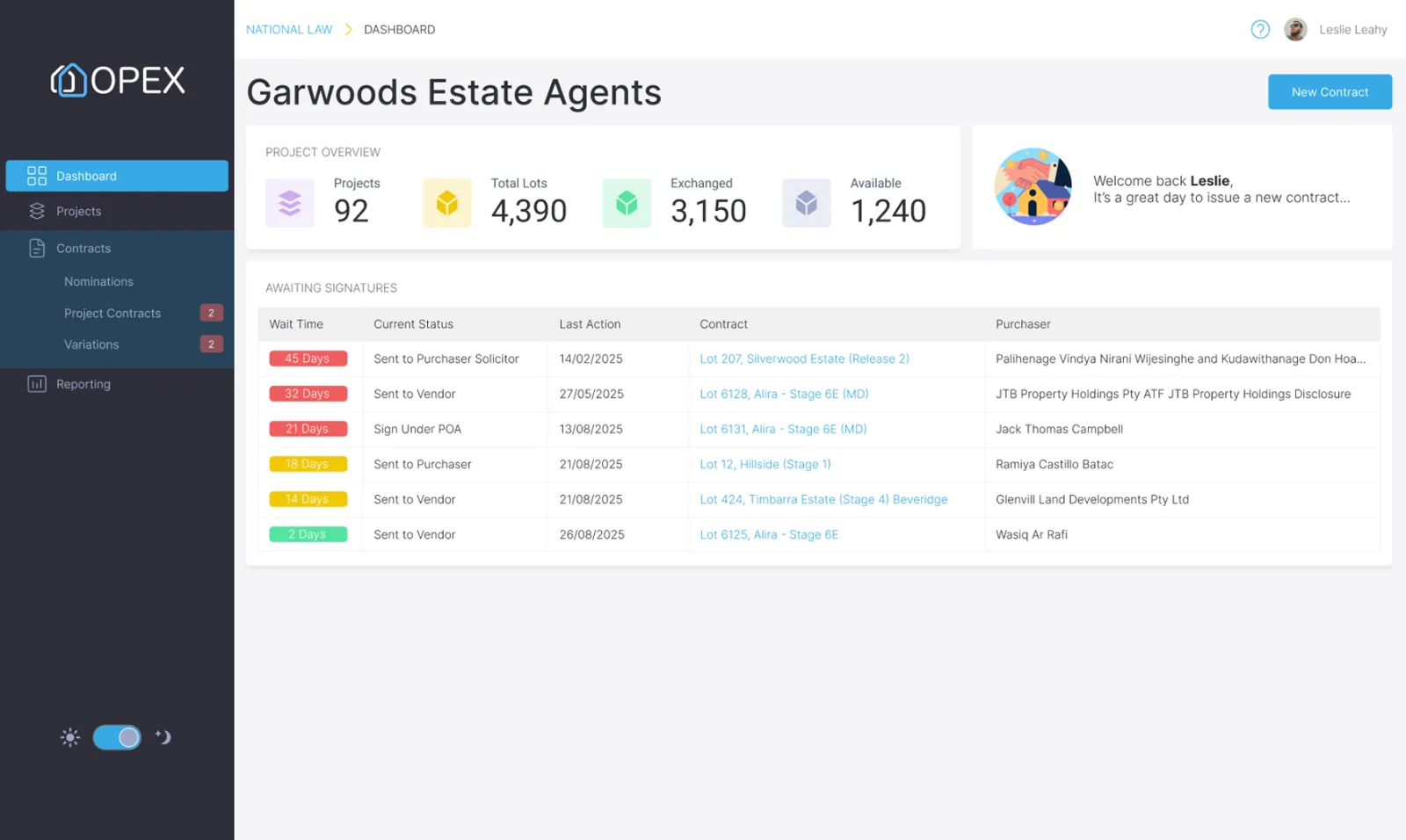
OPEX connects sales agents directly with the developer and legal team, giving you a clear view from reservation and sales advice through signing and exchange.
Enter purchaser, lot, price and sales information through a structured workflow and send it directly to the legal team.
Required fields and controlled project information help ensure every sales advice is complete before it is submitted.
See when a contract has been prepared, issued, opened, signed and exchanged without requesting updates from the legal team.
Quickly identify missing information, unsigned contracts and other outstanding actions so your team can follow up with the right person.
Give buyers timely, accurate updates as their contract progresses, supported by automated reminders and communications.
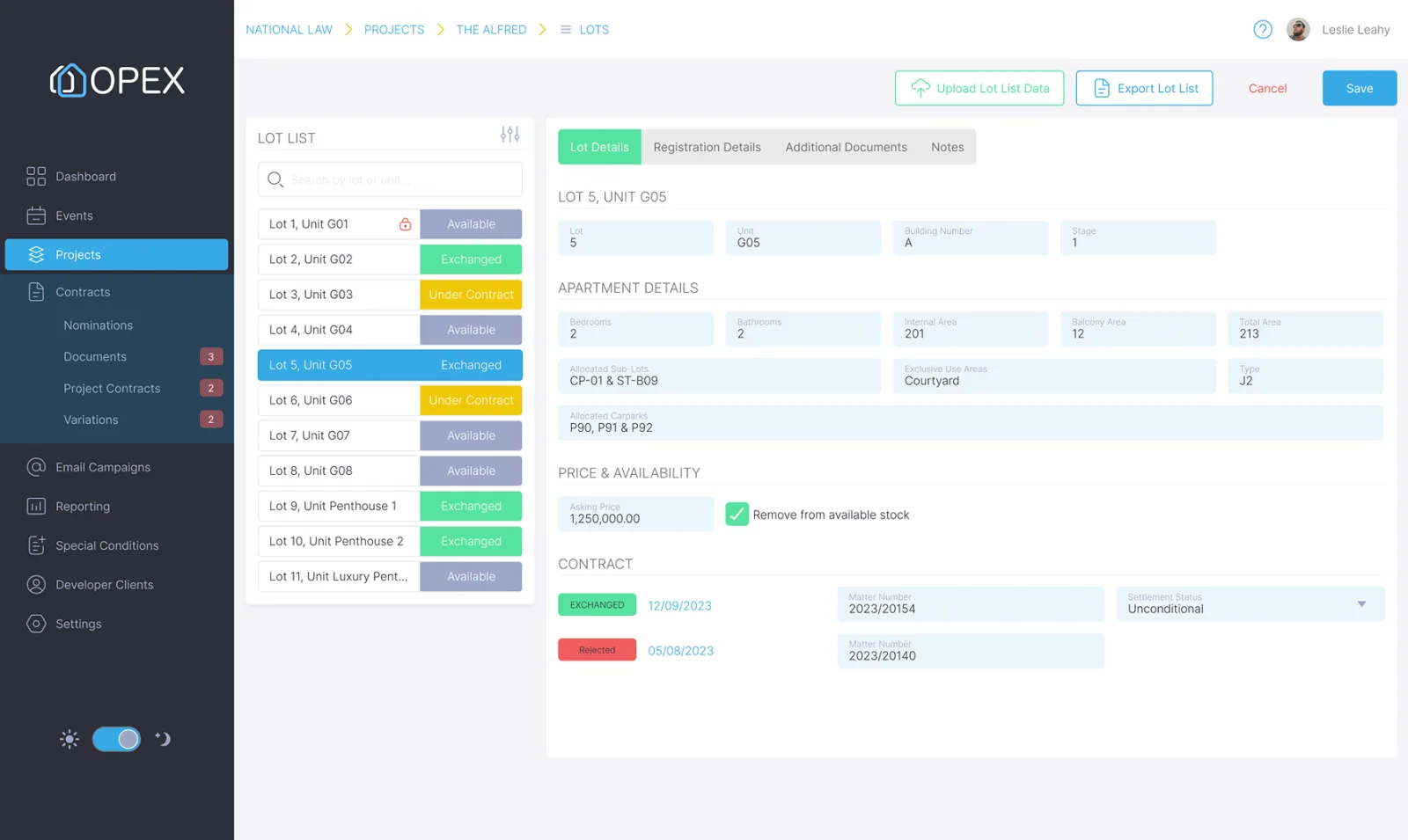
View available, reserved, contracted and exchanged lots from one current sales schedule.
From reservation to contract
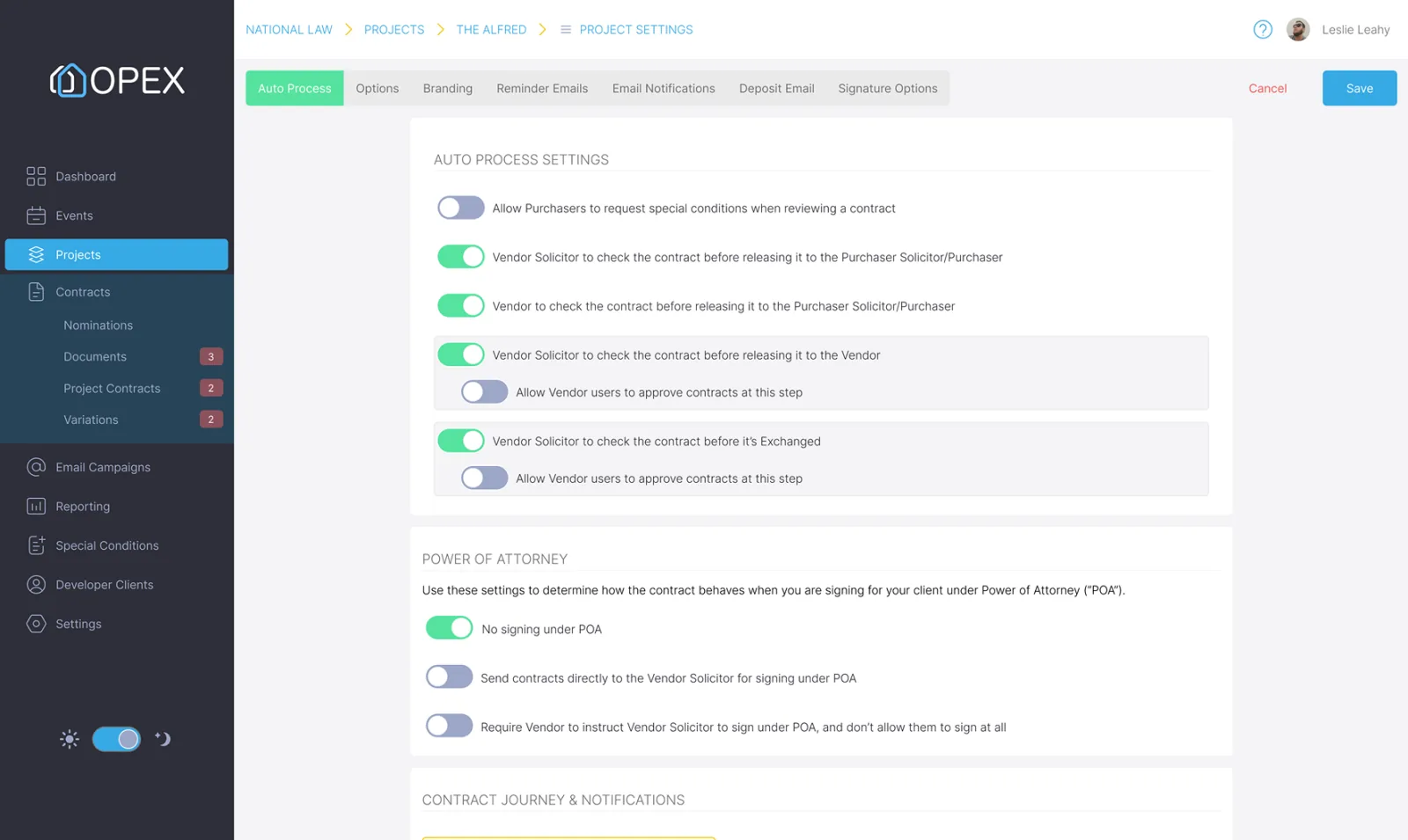
Replace emailed forms, handwritten instructions and duplicate data entry with a consistent digital sales advice process.
The legal team receives complete, structured information sooner, helping contracts reach purchasers faster.
No more status chasing
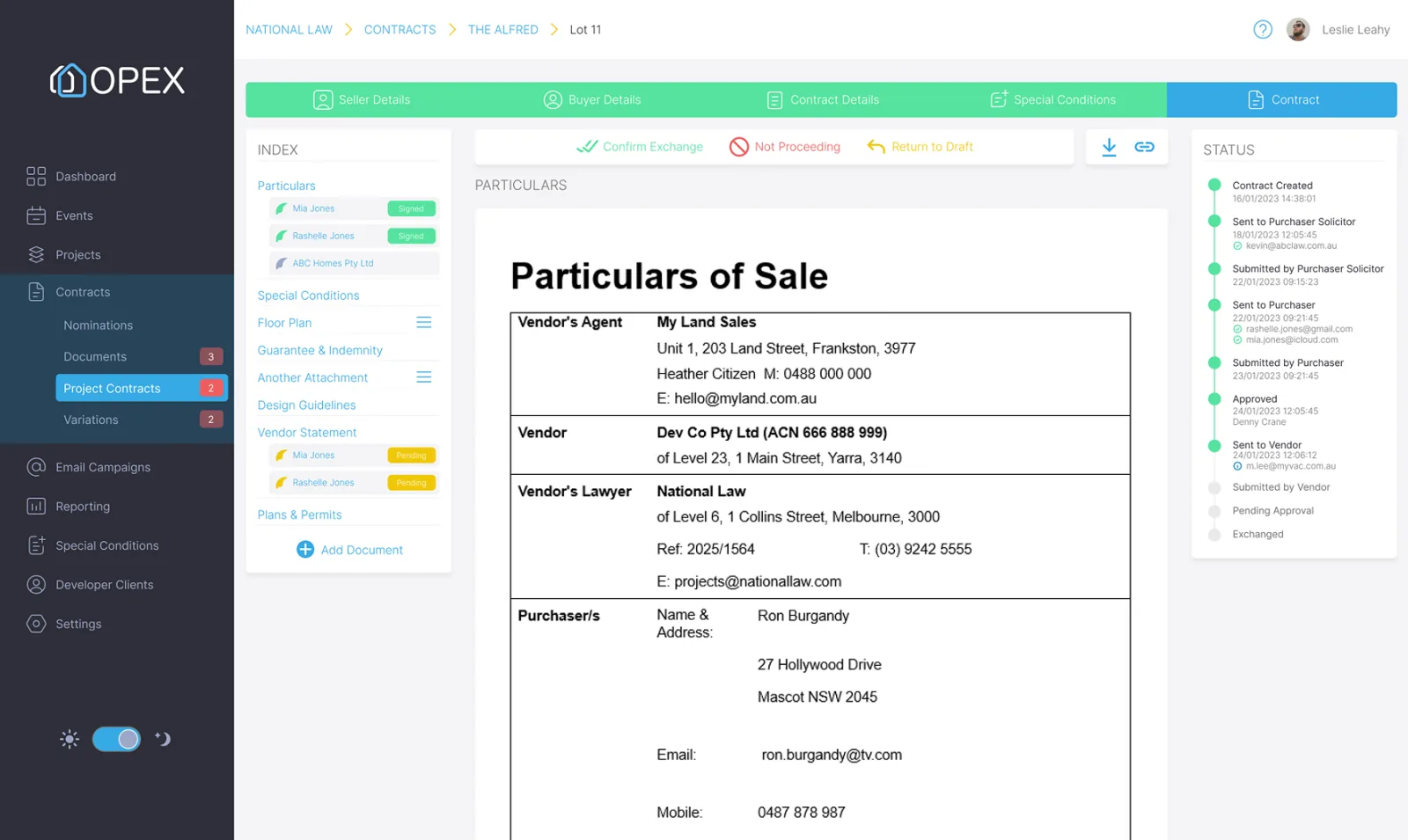
OPEX gives your team a live view of contract progress across every project and sale.
See when the legal team has created the buyer contract.
Confirm when the contract has been sent and delivered to the purchaser.
See which parties have signed and where follow-up is still required.
Know as soon as the contract is binding and the sale status has been updated.
One live sales schedule
Work from the same current project information as the developer and legal team, with every lot clearly identified by its latest status.
As each transaction progresses, the sales schedule updates with it, reducing conflicting spreadsheets and uncertainty about what remains available.
Connected project teams
OPEX keeps the sales agency, developer and legal team connected through one controlled project workflow.
Receive live visibility over sales activity, contract progress and available stock.
Receive complete sales instructions and supporting documents without re-entering information.
Track every transaction and respond quickly when purchasers or legal teams need assistance.
Everyone works from the same project information, while access remains tailored to each party’s role.
A better buyer experience
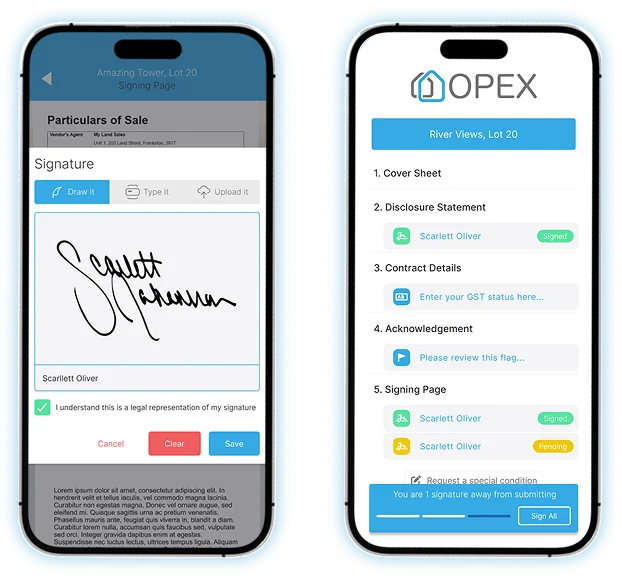
Help buyers move through the contract process with secure digital signing, automated reminders and accurate updates from the sales team.
Sales team visibility
Use live project information to manage your pipeline and focus your team’s follow-up.
See reservations, submitted sales advice, issued contracts and exchanges across the project.
Identify sales that have not yet progressed from reservation to contract or exchange.
See where purchaser information, signatures or other requirements remain incomplete.
Give agency and developer teams a current view without manually consolidating spreadsheets.
Success stories
See how sales agencies, developers and legal teams are using OPEX together across major Australian property projects.
FAQs
Yes. Agents can enter purchaser, property and transaction information through a structured digital sales advice workflow and send it directly to the project’s legal team.
Yes. Agents can track the progress of each contract through preparation, issue, signing and exchange.
Yes. Access can be configured so each agency and user sees the information relevant to their role and sales.
Yes. The live sales schedule displays the current status of each lot, including available, reserved, under contract, exchanged and settled.
No. Purchasers can review and sign documents securely without creating an account.
Access is controlled by role. Agents receive the project and transaction information they need without being given access to confidential legal material.
Yes. Developers can monitor project, lot and contract progress in real time through their own dashboards and permissions.
Yes. Using the OPEX API, your CRM can send sales advice directly into OPEX and receive contract status updates as each transaction progresses. OPEX can also return completed or exchanged contract PDFs to your CRM, helping keep both systems aligned without duplicate data entry.
Keep every sale moving
See how OPEX can connect your sales team directly with developers and legal teams.